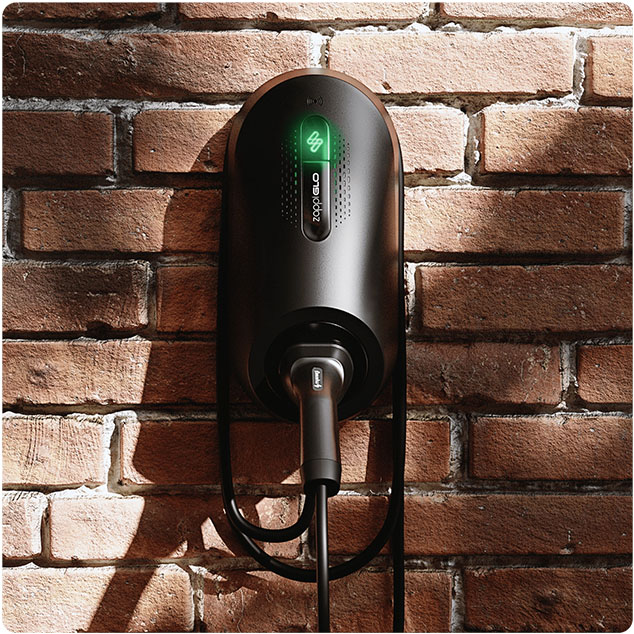
The symptom: a myenergi Zappi charges at only 1.4kW (6A) in Fast mode, often after a firmware update. The app may also show the charger as offline.
The fix: reset the configuration, then set the master, vHub and import limit again. The installer menu passcode is 0000.
Before you start: erasing the config clears all installer settings. Photograph your Supply Grid and CT Config screens first so you can put back anything else your installer set, such as CT types, earthing and export limits.
01Reset the config
Menu›Other Settings›Installer Settings›0000›System›Restore Settings›Erase Config›Confirm›Yes
On some units this menu is called Advanced. This step also resets the passcode.
02Set master and vHub
Menu›Other Settings›Installer Settings›0000›Linked Devices›Comms Settings›Set Master›Confirm
Then select Set vHub > Confirm. On some older units Comms Settings isn't there, and both options sit directly under Linked Devices.
03Check the vHub
Press the menu button to step back, then open Devices and make sure a vHub is listed.
04Set the import limit
Menu›Other Settings›Installer Settings›0000›Supply Grid›Network›Import Limit
Set it to your supply limit (60A in my case). If you're unsure of the right value, ask your installer, as it should match your main fuse.